• Skip to primary navigation
  • Skip to main content

HRMorning

  • FREE RESOURCES
  • PREMIUM CONTENT
  • HR DEEP DIVES
  • PODCASTS
    • VOICES OF HR
    • WOMEN’S LEADERSHIP TODAY
  • LOGIN
  • SIGN UP FREE
  • Employment Law
  • Benefits
  • Recruiting
  • HR Technology
  • Payroll
  • Management
  • Women’s Leadership
  • More
    • Talent Management
    • Performance Management
    • Leadership & Strategy
    • Compensation
    • Policy & Procedures
    • Wellness
    • Staff Departure
    • HR Career & Self-Care
    • Health Care
    • Retirement Plans
  • HR Technology

How AI can make life easier for HR teams: 4 critical matters to consider

Kim Hiler, HR Expert Contributor
By: Kim Hiler, HR Expert Contributor
  • Share on

About the Author

In Kim Hiler’s role as Intradiem’s Chief People Officer, she leads the people strategy and execution for Intradiem. Kim brings more than 20 years of experience as a successful leader of key growth initiatives in HR and employee culture for World 50, Fiserv, and TRX. She has led initiatives in employee benefits, compensation, employee programs, employee relations, talent acquisition, and talent management.

Show Less
Last Updated: March 11, 2024
5 minute engagement
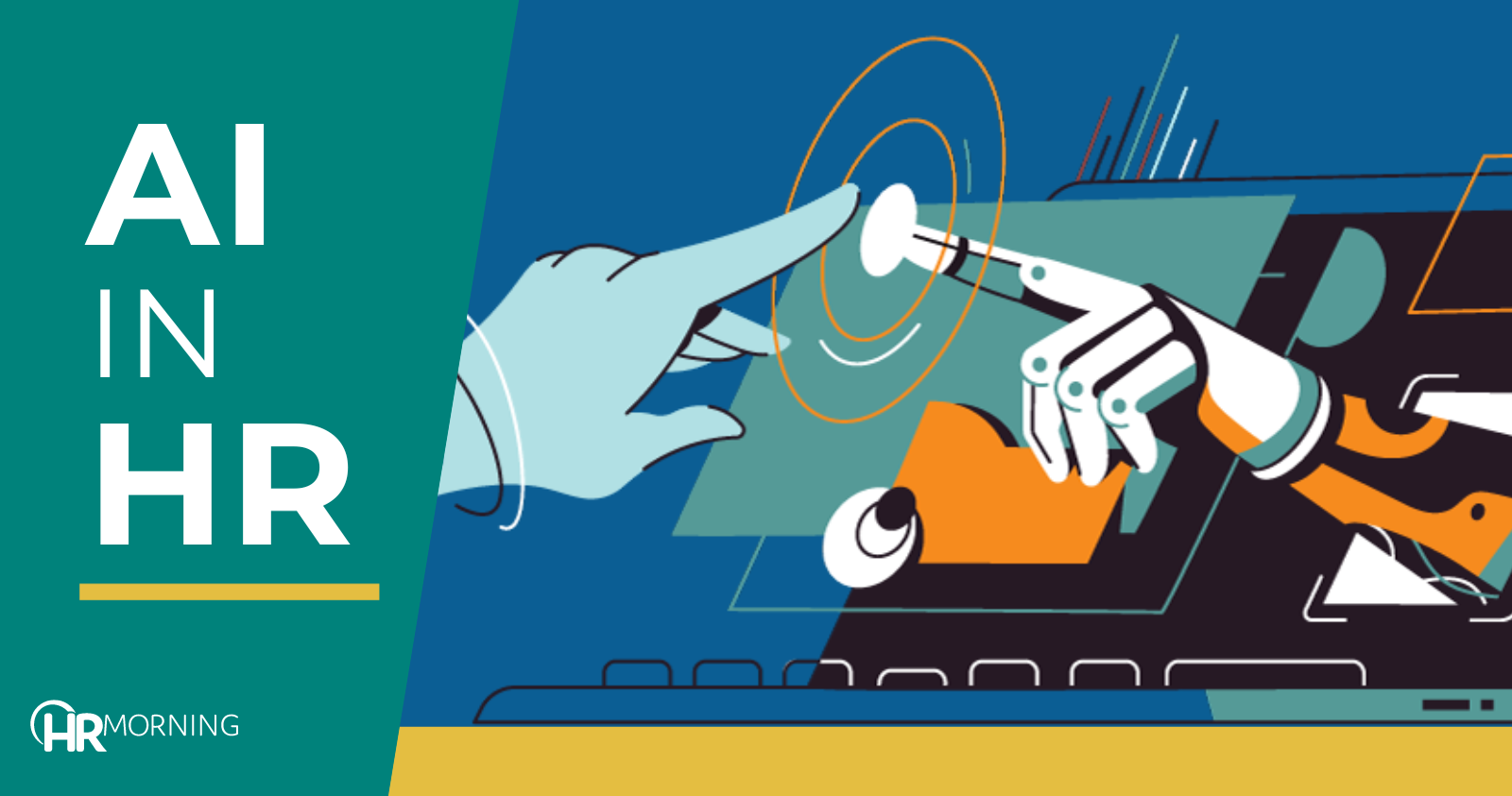
AI in HR

ChatGPT’s release at the end of 2022 sent businesses scrambling to figure out how to harness the power of artificial intelligence (AI) to transform their organizations for the better.

Now AI can make life easier for HR teams by improving our ability to attract quality candidates and pair open positions with candidates who align best with the role and the company’s culture.

But our responsibilities don’t end at the moment of a job offer. We also need to get better at making existing employees feel valued and respected. Employees who feel valued and respected are likely to be more loyal and productive contributors to the long-term success of our organizations.

AI can make life easier across functions

AI will make it easier for HR teams to attract good people and to assess them more effectively, and it can provide new ways to convince our employees to stay in their roles. Up to now, much of the focus on AI has been on its generative capacity to create content almost instantly; which will streamline our teams’ ability to execute critical tasks like drafting job descriptions and summarizing interview notes. But AI’s predictive abilities may be even more useful for HR departments.

By helping us leverage overlooked insights hiding in accumulated data — which usually goes to waste because human workers simply can’t process it fast enough — AI can help make us more responsive to issues that undermine satisfaction and, therefore, the performance and longevity of existing employees.

Reducing attrition

One of the greatest needs we face in HR is employee burnout and attrition. This is a problem in all industries and particularly so in service industries, where workers burn out quickly in high-pressure, customer-facing frontline positions. HR teams spend a lot of time and energy on backfilling vacated positions, and the process is almost always reactive because attrition usually happens without warning.

We may be able to gain a few insights through exit interviews with departing employees, but it’s hard to know how honest that feedback is, or how useful it might be in helping us prevent the next employee from quitting. And that process too is labor-intensive.

But AI can be used to aggregate data collected from employees (via surveys, reviews, etc.), identify common themes and reveal patterns that we can use as a benchmark against which to assess all employees. No manager has enough free time to peruse all the data and keep track of how dozens or hundreds of employees feel about their jobs. But this is a great use of AI’s strength, which is its ability to bring data-driven solutions to data-driven problems. 

Armed with these insights, HR teams can prioritize employees who may be struggling with problems that leave clues in the data — such as increasing absences and reduced productivity. HR Leaders can then proactively address the underlying problems and help prevent struggling employees from quitting. Best of all, with AI, this process is entirely automated and requires little to no intervention from HR teams.

By making it possible to identify early signs of employee burnout, AI can help minimize the scourge of attrition. That, in turn, will reduce pressure on our teams to constantly refill the candidate pipeline. And when the pressure to focus on quantity is reduced, our teams can dedicate more time to the human side of their work, which is to engage in personal evaluation of candidates and provide personal support for existing employees.

HR is all about people. The primary responsibility of any HR leader is to make sure employees feel valued, appreciated and respected. AI will free these teams to spend more time making sure employees have the support they need to succeed. This is especially important for today’s younger workers, who are more insistent that their work-life balance needs to be considered.

Create the support system

It’s critical to secure strong executive support for the use of AI. Each department head needs to be on board and aligned around a common approach, because employees generally turn to their immediate team leaders first when they have doubts or problems.

It’s also important to consistently reinforce the company’s strategy for using AI. If executives lay out a plan once and never mention it again, there’s a risk that the original message may get misinterpreted and altered over time. To combat this, my company, for example, begins our biweekly town hall meetings with a reiteration of our vision statement.

HR leaders need to remain proactively engaged with their own teams and with workers across the organization. Regular employee wellness surveys can help HR teams remain focused on the things that truly matter to people, and AI can help them draw the most useful insights from the data they collect. Anything these teams can do to improve employee experience will contribute to stronger company performance.

Bring AI into the workflow

Introducing AI into a company’s workflow is partly a technological issue and partly a cultural issue. As such, organizations need to handle it transparently. If employees don’t know what their organizations plan to do with AI, they may fear the worst, and their pessimism will spread like wildfire. Business leaders need to communicate to employees what they know about AI and its potential compatibility with their operations, what they don’t yet know, what they hope to achieve, and how they plan to go about implementing it.

Leaders should also seek input from their teams and explain what they expect employees to do to help integrate the technology into their work environments. If employees feel they have a stake in the situation and that their input is valued, they’ll be less threatened by, and more accepting of, the changes.

Striking the AI balance in HR

Effective employee team management has always relied on a blend of technology and human workers. Innovations in AI will continue to amplify efficiency and also improve human performance by enabling more proficient allocation of tasks between people and systems.

AI is already helping companies streamline recruiting and evaluation processes, and soon it will also help HR leaders solve the widespread problem of employee burnout and attrition, making it easier for HR leaders to build strong, resilient teams and keep them together.

Filed under
  • HR Technology
  • Share on

Get the HRMorning Newsletter

With HRMorning arriving in your inbox, you will never miss critical stories on labor laws, benefits, retention and onboarding strategies.

  • This field is for validation purposes and should be left unchanged.
  • This field is hidden when viewing the form
  • This field is hidden when viewing the form
  • This field is hidden when viewing the form
  • This field is hidden when viewing the form
  • This field is hidden when viewing the form
  • This field is hidden when viewing the form
  • This field is hidden when viewing the form
  • This field is hidden when viewing the form
  • This field is hidden when viewing the form
  • This field is hidden when viewing the form
  • This field is hidden when viewing the form
  • This field is hidden when viewing the form
  • This field is hidden when viewing the form
  • This field is hidden when viewing the form
  • This field is hidden when viewing the form
  • This field is hidden when viewing the form
  • This field is hidden when viewing the form
  • This field is hidden when viewing the form
  • This field is hidden when viewing the form
  • This field is hidden when viewing the form
  • This field is hidden when viewing the form
  • This field is hidden when viewing the form
  • This field is hidden when viewing the form
  • This field is hidden when viewing the form
  • This field is hidden when viewing the form
  • This field is hidden when viewing the form
  • This field is hidden when viewing the form
  • This field is hidden when viewing the form
  • This field is hidden when viewing the form
  • This field is hidden when viewing the form
  • This field is hidden when viewing the form
  • This field is hidden when viewing the form
  • This field is hidden when viewing the form
  • This field is hidden when viewing the form
  • This field is hidden when viewing the form
  • This field is hidden when viewing the form
  • This field is hidden when viewing the form
  • This field is hidden when viewing the form
  • This field is hidden when viewing the form
  • This field is hidden when viewing the form
  • This field is hidden when viewing the form
  • This field is hidden when viewing the form
  • This field is hidden when viewing the form
  • This field is hidden when viewing the form
  • This field is hidden when viewing the form
  • This field is hidden when viewing the form
  • This field is hidden when viewing the form
  • This field is hidden when viewing the form
  • This field is hidden when viewing the form
  • This field is hidden when viewing the form
  • This field is hidden when viewing the form
  • This field is hidden when viewing the form
  • This field is hidden when viewing the form
  • This field is hidden when viewing the form
  • This field is hidden when viewing the form
  • This field is hidden when viewing the form

Free Training & Resources

Webinars

Data-Driven Culture Transformation – Go Beyond Vanity Metrics

Webinars

Creating a Safe, Supportive Environment: How HR Can Bridge the Gap Between Safety and the Needs of Your Employees

Webinars

Form I-9 Compliance: Meeting Audit Requirements With Confidence

Provided by Paycom

White Papers

Harvard Business Review AI Talent Playbook

SPONSORED CONTENT

HR Technology

sponsored content
The Best AI Software for HR Automation

Courtesy of G-P

Talent Management

sponsored content
Powerful Employee Retention Strategies for 2025: How to Keep Your Best People

Courtesy of PEOPLEGURU

Benefits

Health Care

Wellness

sponsored content
Proven Results: 5 Ways Teladoc Health Chronic Condition Management Transforms HR Outcomes

Courtesy of TELADOC HEALTH

Further Reading

  • HR Technology
HR 2.0: The human touch in a tech-fueled future

For the last two decades, the roadmap of HR has been a winding one. Gone are the days of physical paper trails and endless spreadsheets. To...

  • HR Technology
Employee Upskilling: Maintaining Human Relevance in the Age of AI

The age of AI is here to stay, with 77% of companies either using or exploring the use of artificial intelligence in their business. Whatâ€...

  • Compensation
  • HR Technology
New Study: Payroll Mistakes Create Turnover Risk for 53% of Workers

As finance and HR leaders develop 2026 salary budgets, errors in payroll execution can quickly undermine the impact of planned pay raises. ...

  • HR Technology
Payroll Errors Have a Human Cost: How to Save the Day

A couple of years ago, actor Tom Hollander — famed for his role as Cutler Beckett in the Pirates of the Caribbean franchise, in addition ...

  • HR Technology
What Happens When Technology Fails? 4 Tips for HR

What happens when technology fails — and leaves companies and employees in the dark? From a major IT global outage or local intern...

  • HR Technology
ICHRAs and the Explosive Growth of Personalized Health

In recent years, the world of employee benefits and health insurance has undergone a seismic shift, reflecting broader changes in the needs...

Get the latest from HRMorning in your inbox PLUS immediately access 10 FREE HR guides.

I WANT MY FREE GUIDES
HR Morning Logo
  • Facebook
  • Linked In
  • ABOUT HRMORNING
  • ADVERTISE WITH US
  • WRITE FOR US
  • CONTACT
  • Employment Law
  • Benefits
  • Recruiting
  • Talent Management
  • Performance Management
  • HR Technology
  • Leadership & Strategy
  • Compensation
  • Policy & Procedures
  • Wellness
  • Staff Departure
  • HR Career & Self-Care
  • Health Care
  • Retirement Plans
  • DEI

HRMorning, part of the Rover Insights Network, provides the latest HR and employment law news for HR professionals in the trenches of small-to-medium-sized businesses. Rather than simply regurgitating the day's headlines, HRMorning delivers actionable insights, helping HR execs understand what HR trends mean to their business.

Powered By Rover Insights
Privacy Policy | Terms of Service
Copyright© 2026 Rover Insights
HRMorning Logo

WELCOME BACK!

Enter your username and password below to log in

Forget Your Username or Password?

Reset Password

Lost your password? Please enter your username or email address. You will receive a link to create a new password via email.

Log In

Why do we need your credit card for a free trial?

We ask for your credit card to allow your subscription to continue should you decide to keep your membership beyond the free trial period.  This prevents any interruption of content access.

Your card will not be charged at any point during your 21 day free trial
and you may cancel at any time during your free trial.

During your free trial, you can cancel at any time with a single click on your “Account” page.  It’s that easy.
