Who Owns the Risk in an AI-Driven Workplace? 4 Critical Factors to Consider

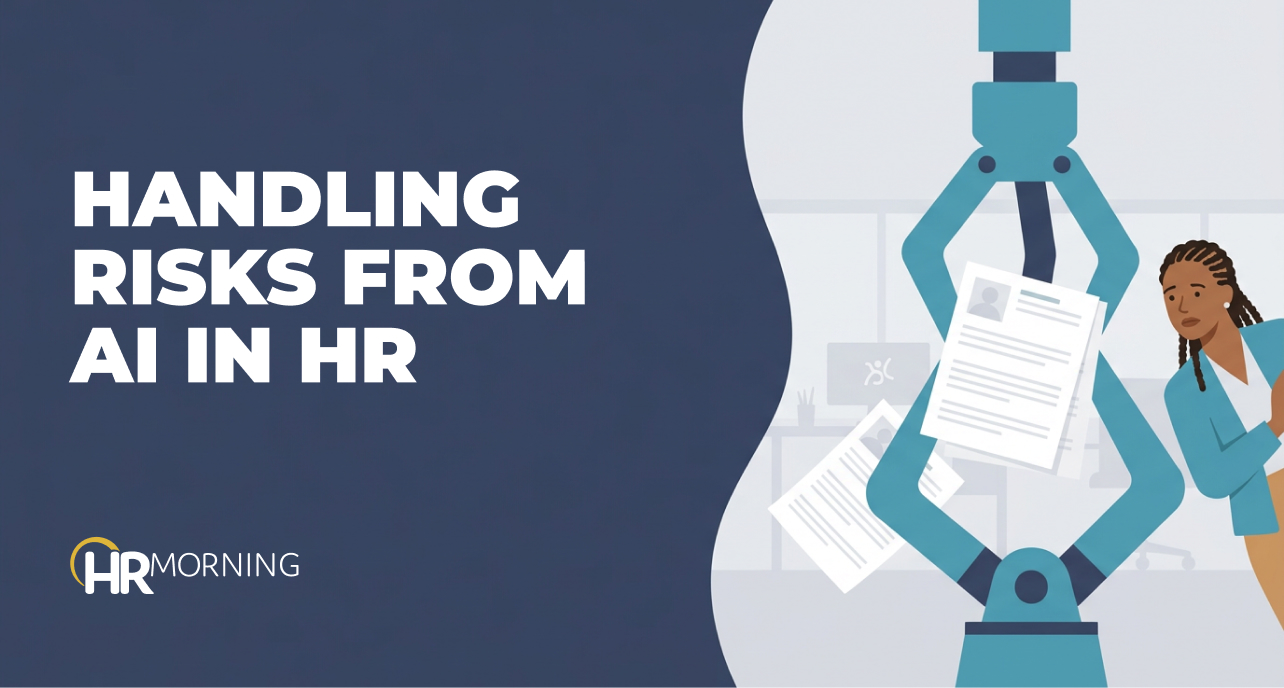
A rejected candidate asks why they never made it past the first round. An employee wants to know why they were passed over for promotion. A manager relies on an AI-generated performance summary that no one can explain.
In each case, AI made the decision, but HR will face the risk and be asked to defend it.
That’s the reality facing HR teams as AI moves into everyday workplace decisions. The tools may be new, but the accountability isn’t. When AI influences who gets interviewed, hired, promoted, paid, disciplined or exited, the employer still owns the decision.
For HR leaders, AI risk isn’t a technology issue. It’s a workplace governance issue. The urgent question is whether the organization can explain and defend the decisions AI helps produce.
Where HR Is Most Exposed to Risks
HR is involved in some of the most legally sensitive decisions a company makes, including hiring, pay, promotions, performance reviews, accommodations, and terminations. Those decisions are already heavily scrutinized under employment law. AI doesn’t reduce that scrutiny; it increases the risk.
The greatest exposure often arises when AI shapes outcomes before a person ever reviews them. Tools that screen resumes, rank candidates, match skills, score performance, plan workforce needs, or recommend pay can meaningfully influence who advances, who is rewarded, and who is left out.
Liability depends on whether the process produced an unfair, discriminatory, or hard-to-defend result, not on who gave the final approval. If an AI system penalizes nontraditional career paths, employment gaps, certain schools, or factors that effectively stand in for age, gender, disability or race, the company can still be responsible.
Using a vendor doesn’t change that. A provider may build or operate the system, but the employer chooses where to use it and whether to rely on its output. HR can outsource technology, but it can’t outsource legal responsibility.
How AI Turns Bias Into a Pattern
Bias in the workplace isn’t new. What changes with AI is speed, consistency and volume.
A human interviewer might apply a flawed assumption inconsistently. But an AI tool can apply the same flawed assumption thousands of times. If historical data reflects past preferences, exclusions or uneven promotion patterns, a model can convert those patterns into future recommendations.
The result may look objective because it’s expressed as a score, ranking or match percentage. But a model doesn’t need to use race, gender, age or disability status directly to create unequal outcomes. It may rely on variables that correlate with protected characteristics, such as zip code, graduation year, job tenure, employment gaps, commute distance, language patterns or prior titles.
Once AI applies those variables across an applicant pool or workforce, isolated concerns can become statistical patterns. Those patterns are easier for plaintiffs, regulators and internal auditors to identify. The organization may then face a hard question: Was the system predicting success, or reproducing past blind spots?
Why ‘Human-in-the-Loop’ Isn’t Enough
Many companies take comfort in knowing there’s a “human-in-the-loop,” meaning a person still reviews or approves the AI’s recommendation. But that safeguard only works if the reviewer has enough context, authority and time to challenge the output.
If the system has already screened 2,000 candidates down to 50, the most important decision may have happened before the recruiter opened the file. If a manager accepts an AI-generated performance summary, oversight becomes a rubber stamp.
Real review must happen before, during and after deployment. Before use, HR should know what the tool is designed to influence, what data it relies on and what outcomes would signal a problem. During use, teams should monitor whether the tool changes applicant pools, promotion rates, pay outcomes or disciplinary patterns. After use, they should preserve enough documentation to explain how, and why, decisions were made.
Fit AI Into the Risk Profile You Already Have
AI risk must be routed through your company’s existing risk profile.
HR already works with legal, compliance, privacy, security, procurement and finance on sensitive workforce issues. AI tools should move through those same gates. Before adoption, the organization should ask:
- What employment decision will this influence?
- Is it advisory or determinative?
- What data is used?
- What groups could be affected?
- How will impact be tested?
- Who approves changes?
- Who’s accountable if the output is challenged?
Those questions don’t slow innovation. They prevent the company from discovering risk only after someone complains.
AI risk is hiring risk, pay equity risk, performance management risk, employee relations risk and vendor risk moving faster and operating with less visibility. The organizations best positioned to manage it will use the controls they already have, but apply them earlier in the process.
For HR leaders, the goal isn’t to prove that AI is risk-free. It’s to make sure every AI-influenced workplace decision can be explained, tested and defended before it creates liability.
- Share on


Free Training & Resources
Webinars
Provided by Paycom



