• Skip to primary navigation
  • Skip to main content

HRMorning

  • FREE RESOURCES
  • PREMIUM CONTENT
  • HR DEEP DIVES
  • PODCASTS
    • VOICES OF HR
    • WOMEN’S LEADERSHIP TODAY
  • LOGIN
  • SIGN UP FREE
  • Employment Law
  • Benefits
  • Recruiting
  • HR Technology
  • Payroll
  • Management
  • Women’s Leadership
  • More
    • Talent Management
    • Performance Management
    • Leadership & Strategy
    • Compensation
    • Policy & Procedures
    • Wellness
    • Staff Departure
    • HR Career & Self-Care
    • Health Care
    • Retirement Plans
  • Benefits

Trump Accounts Go Live July 4 – What Payroll Needs to Know Now 

Carol Warner
By: Carol Warner
  • Share on

About the Author

For nearly two decades, Carol Warner has analyzed the legal and financial realities behind workplace decisions, covering employment law, benefits, payroll and HR technology. She translates complex legal updates, regulatory shifts and vendor claims into plain language that HR teams can act on. Her focus is simple: What does this mean for employers, and what should they do next? Connect with her on LinkedIn.

Show Less
Last Updated: June 24, 2026
4 minute engagement
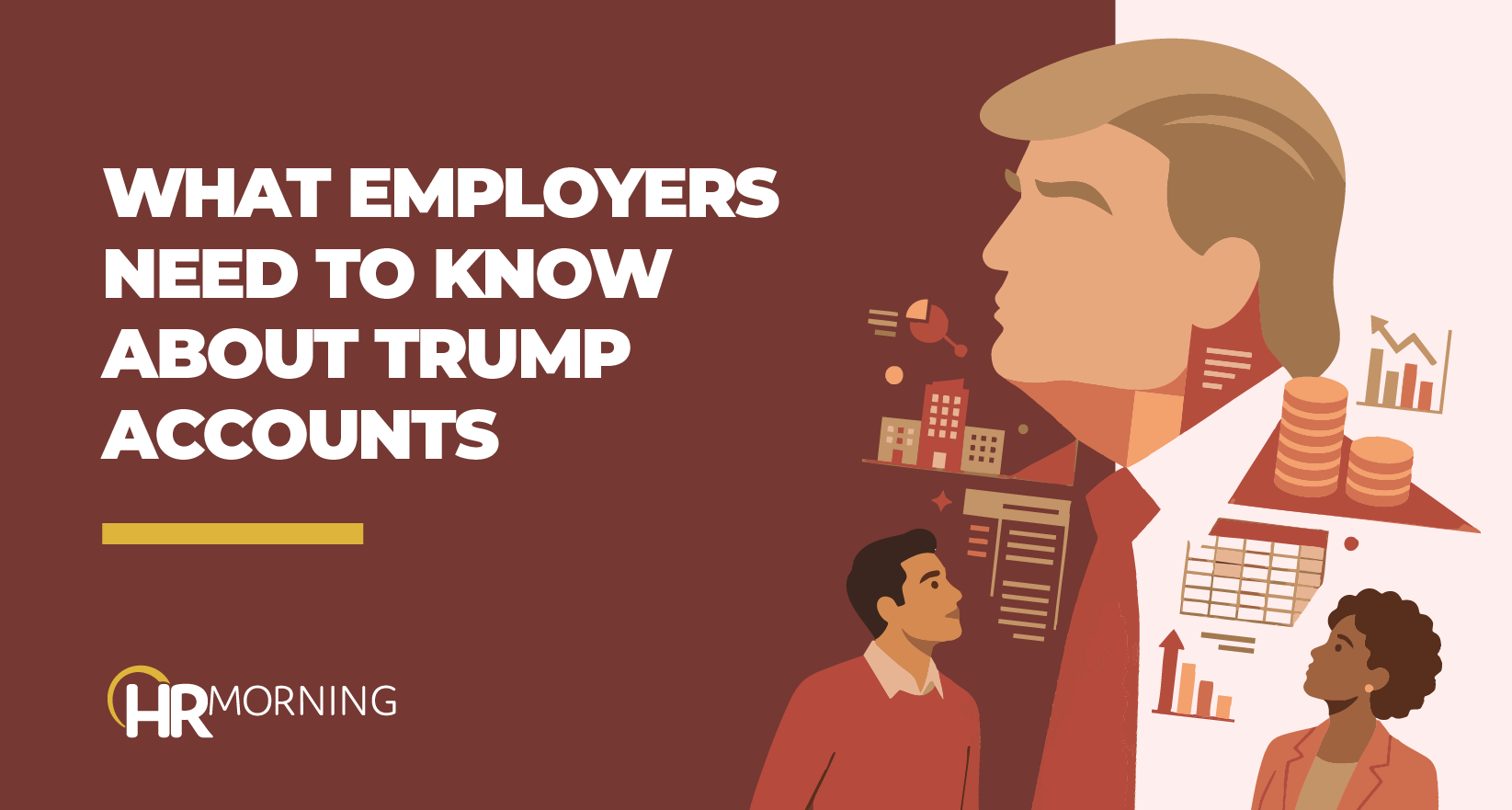
A Corporate Memphis style illustration for an HRMorning blog titled "What Employers Need To Know About Trump Accounts." A large silhouette of Donald Trump is integrated with icons of urban office buildings, stacks of coins, upward-trending bar charts, and data grids. Two professionals look toward these elements, visually representing the complex relationship between federal policy shifts and corporate financial accountability for HR and payroll departments.

If your employer plans to contribute to Trump Accounts, payroll has until July 4, 2026, to get it right. Coding errors made at setup create tax reporting problems that are hard to fix later. A June 17 Department of Labor (DOL) technical release spells out the rules that matter. 

The two most likely mistakes: treating a dependent’s account the same as an employee’s own account and coding pre-tax employer contributions as post-tax.

What Are Trump Accounts? 

Trump Accounts are a new type of IRA for individuals under 18, established under the One Big Beautiful Bill Act. Employers can contribute up to $2,500 per employee per year under Section 128, and the accounts open July 4, 2026.

The DOL confirmed these will not be treated as ERISA plans if the program is structured to meet safe harbor conditions – no plan document, no Form 5500, no fiduciary obligations.

Different Contribution Types and Setups

For payroll purposes, Trump Account contributions fall into two categories: Section 128 contributions – which can come from the employer directly or through employee pre-tax salary reduction (treated as employer contributions under Section 125) – and post-tax employee payroll deductions.  

They carry different tax treatment, different basis rules and different eligibility conditions. Each needs its own coding. 

The Cafeteria Plan Split: Dependent Account or Employee Account?

In most cases, an employer’s Trump Account contribution goes to a dependent’s account – a child under 18. In that situation, the contribution can run through a Section 125 cafeteria plan salary reduction arrangement. This treatment is reflected in IRS Notice 2025-68.

The exception is when the employee is the account beneficiary – a 16- or 17-year-old employee whose employer contributes to their own account. In that case, the cafeteria plan option is not available. That’s a narrow scenario, but it requires a different approach.

Basis Tracking: Pre-Tax vs. Post-Tax

Section 128 employer contributions are excluded from the employee’s gross income and create no basis in the account. Post-tax employee payroll deductions do create basis.

These two contribution types need to be configured as distinct deduction codes so the basis difference is captured correctly from the first contribution. The error compounds with every pay period that is processed. 

Limits to Track and Enforce

Two limits apply — and they overlap, which makes them tricky to track.

The Section 128 cap is $2,500 per employee per year, subject to cost-of-living adjustments after 2027. This cap covers direct employer contributions and employee pre-tax salary reduction contributions combined. If the employer puts in $1,500 directly, the employee only has $1,000 left in pre-tax salary reduction room. The cap also applies per employee, not per dependent – so an employee with three children in Trump Accounts gets $2,500 total across all three, not $2,500 per child.

The $5,000 aggregate cap per beneficiary covers employer contributions plus any post-tax contributions, including those made through payroll deduction. Government contributions – including the Treasury’s $1,000 pilot program payment – don’t count toward either cap. Because employer contributions count toward both caps, payroll needs to track them at two levels – the employee level for the Section 128 cap and the beneficiary level for the $5,000 cap.

Nondiscrimination Requirements

Section 128 Trump Account contribution programs carry nondiscrimination requirements similar to those that apply to dependent care assistance programs under Section 129.

That means the program must be tested for nondiscrimination in contributions, benefits and eligibility. Employees must also receive notification of the program and statements of benefits provided. 

What Changes at the End of the Growth Period

Trump Accounts have a growth period that runs until January 1 of the year the beneficiary turns 18. After that date, employers can no longer make Section 128 contributions – that tax exclusion applies only while the beneficiary is under 18.

Employees can still contribute through post-tax payroll deductions after the growth period ends, as long as the program meets IRA payroll deduction safe harbor conditions.

Action Steps for Payroll

July 4 is just around the corner. Before the first contribution processes, payroll teams need to work through several setup decisions:

  • Confirm whether your organization plans to offer Section 128 employer contributions, employee salary reduction through a cafeteria plan, or both.
  • Establish or amend a Section 125 cafeteria plan to allow Trump Account contributions if that option is part of your program.
  • Set up separate deduction codes for Section 128 contributions and post-tax employee deductions.
  • Configure limit tracking at the employee level for the $2,500 cap and the beneficiary level for the $5,000 cap.
  • Coordinate with HR on nondiscrimination testing requirements.
Filed under
  • Benefits
  • Share on

Get the HRMorning Newsletter

With HRMorning arriving in your inbox, you will never miss critical stories on labor laws, benefits, retention and onboarding strategies.

  • This field is for validation purposes and should be left unchanged.
  • This field is hidden when viewing the form
  • This field is hidden when viewing the form
  • This field is hidden when viewing the form
  • This field is hidden when viewing the form
  • This field is hidden when viewing the form
  • This field is hidden when viewing the form
  • This field is hidden when viewing the form
  • This field is hidden when viewing the form
  • This field is hidden when viewing the form
  • This field is hidden when viewing the form
  • This field is hidden when viewing the form
  • This field is hidden when viewing the form
  • This field is hidden when viewing the form
  • This field is hidden when viewing the form
  • This field is hidden when viewing the form
  • This field is hidden when viewing the form
  • This field is hidden when viewing the form
  • This field is hidden when viewing the form
  • This field is hidden when viewing the form
  • This field is hidden when viewing the form
  • This field is hidden when viewing the form
  • This field is hidden when viewing the form
  • This field is hidden when viewing the form
  • This field is hidden when viewing the form
  • This field is hidden when viewing the form
  • This field is hidden when viewing the form
  • This field is hidden when viewing the form
  • This field is hidden when viewing the form
  • This field is hidden when viewing the form
  • This field is hidden when viewing the form
  • This field is hidden when viewing the form
  • This field is hidden when viewing the form
  • This field is hidden when viewing the form
  • This field is hidden when viewing the form
  • This field is hidden when viewing the form
  • This field is hidden when viewing the form
  • This field is hidden when viewing the form
  • This field is hidden when viewing the form
  • This field is hidden when viewing the form
  • This field is hidden when viewing the form
  • This field is hidden when viewing the form
  • This field is hidden when viewing the form
  • This field is hidden when viewing the form
  • This field is hidden when viewing the form
  • This field is hidden when viewing the form
  • This field is hidden when viewing the form
  • This field is hidden when viewing the form
  • This field is hidden when viewing the form
  • This field is hidden when viewing the form
  • This field is hidden when viewing the form
  • This field is hidden when viewing the form
  • This field is hidden when viewing the form
  • This field is hidden when viewing the form
  • This field is hidden when viewing the form
  • This field is hidden when viewing the form
  • This field is hidden when viewing the form

Free Training & Resources

Webinars

Surviving as a One Person HR Department in a Post-Pandemic World

White Papers

Is Your Employee Engagement Program Under Control? The Engagement Maturity Map

Provided by Terryberry

White Papers

The HR leader’s guide to finding (and hiring) a benefits partner

Provided by Nava

White Papers

CSR Industry Review

Provided by Blackbaud

SPONSORED CONTENT

HR Technology

sponsored content
The Best AI Software for HR Automation

Courtesy of G-P

Talent Management

sponsored content
Powerful Employee Retention Strategies for 2025: How to Keep Your Best People

Courtesy of PEOPLEGURU

Benefits

Health Care

Wellness

sponsored content
Proven Results: 5 Ways Teladoc Health Chronic Condition Management Transforms HR Outcomes

Courtesy of TELADOC HEALTH

Further Reading

  • Benefits
New Report: DOL Recovers $1.4B From Benefit Plan Violations in FY 2025

EBSA FY 2025 Enforcement Snapshot $1.4B recovered for workers and plans 878 civil investigations closed 253 criminal investigatio...

  • Benefits
  • Wellness
What does an inclusive financial wellness program look like?

For an employee wellness program to be successful, employers need to make sure that employees are aware of the program and are using it. Fa...

  • Benefits
Employees Don’t Understand Benefits: 6 Fixes for Open Enrollment

Nearly 90% of your employees don’t understand benefits. And that’s a real concern as open enrollment season is knocking on our ...

  • Benefits
Top benefits each generation wants, according to research 

More than ever, the workplace is a melting pot of different generations with different priorities, values and needs. And you need to find a...

  • Benefits
3 Ways Financial Wellness Initiatives Will Unlock Employee Potential

Today’s workforce is facing significant financial challenges. Managing the rising costs of living, unexpected expenses, and long-term fin...

  • Benefits
3 Ways to Help Employees Take Control of Their Well-Being | 2-Minute Video

Most companies care more than ever about their employees’ well-being. You likely offer them opportunities to reduce stress or imp...

Get the latest from HRMorning in your inbox PLUS immediately access 10 FREE HR guides.

I WANT MY FREE GUIDES
HR Morning Logo
  • Facebook
  • Linked In
  • ABOUT HRMORNING
  • ADVERTISE WITH US
  • WRITE FOR US
  • CONTACT
  • Employment Law
  • Benefits
  • Recruiting
  • Talent Management
  • Performance Management
  • HR Technology
  • Leadership & Strategy
  • Compensation
  • Policy & Procedures
  • Wellness
  • Staff Departure
  • HR Career & Self-Care
  • Health Care
  • Retirement Plans
  • DEI

HRMorning, part of the Rover Insights Network, provides the latest HR and employment law news for HR professionals in the trenches of small-to-medium-sized businesses. Rather than simply regurgitating the day's headlines, HRMorning delivers actionable insights, helping HR execs understand what HR trends mean to their business.

Powered By Rover Insights
Privacy Policy | Terms of Service
Copyright© 2026 Rover Insights
HRMorning Logo

WELCOME BACK!

Enter your username and password below to log in

Forget Your Username or Password?

Reset Password

Lost your password? Please enter your username or email address. You will receive a link to create a new password via email.

Log In

Why do we need your credit card for a free trial?

We ask for your credit card to allow your subscription to continue should you decide to keep your membership beyond the free trial period.  This prevents any interruption of content access.

Your card will not be charged at any point during your 21 day free trial
and you may cancel at any time during your free trial.

During your free trial, you can cancel at any time with a single click on your “Account” page.  It’s that easy.