• Skip to primary navigation
  • Skip to main content

HRMorning

  • FREE RESOURCES
  • PREMIUM CONTENT
  • HR DEEP DIVES
  • PODCASTS
    • VOICES OF HR
    • WOMEN’S LEADERSHIP TODAY
  • LOGIN
  • SIGN UP FREE
  • Employment Law
  • Benefits
  • Recruiting
  • HR Technology
  • Payroll
  • Management
  • Women’s Leadership
  • More
    • Talent Management
    • Performance Management
    • Leadership & Strategy
    • Compensation
    • Policy & Procedures
    • Wellness
    • Staff Departure
    • HR Career & Self-Care
    • Health Care
    • Retirement Plans
  • Leadership & Strategy

Election Day 2025: What HR Needs to Know

Carol Warner
By: Carol Warner
  • Share on

About the Author

For nearly two decades, Carol Warner has analyzed the legal and financial realities behind workplace decisions, covering employment law, benefits, payroll and HR technology. She translates complex legal updates, regulatory shifts and vendor claims into plain language that HR teams can act on. Her focus is simple: What does this mean for employers, and what should they do next? Connect with her on LinkedIn.

Show Less
Last Updated: October 31, 2025
3 minute engagement

With Election Day approaching, more employees are asking about voting leave, political talk, and what’s acceptable to share at work.

For HR teams, balancing legal requirements with a respectful, focused environment can be a challenge. But proactive communication and clear policies make all the difference.

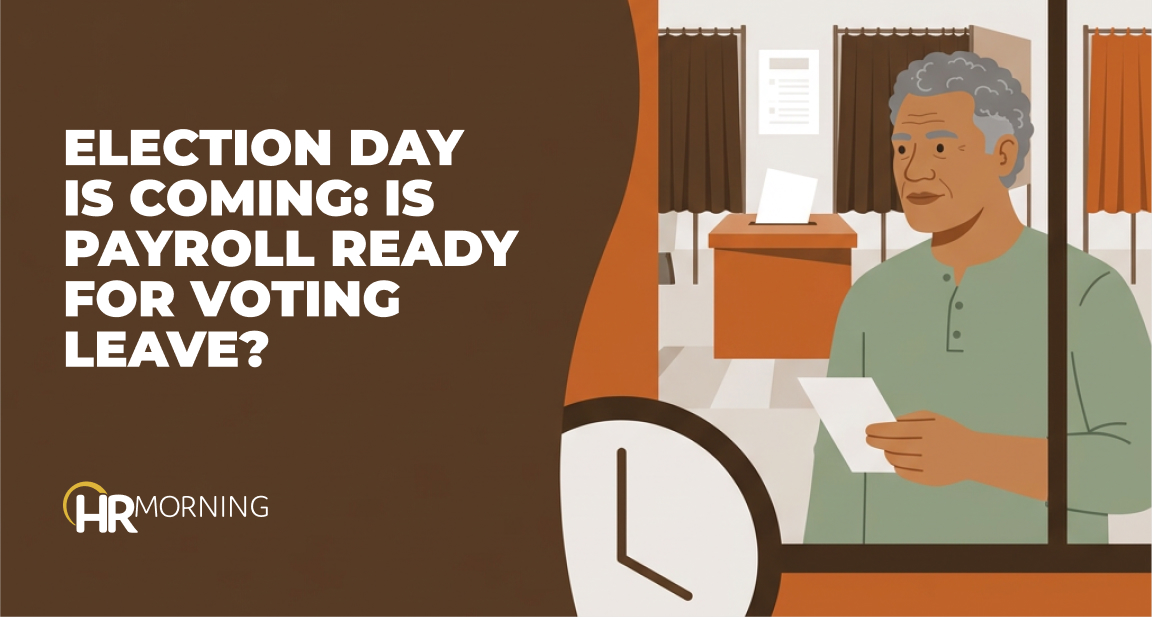
Election Day: Time Off to Vote

For employees voting in person, is your company required to give them paid time off to vote on Election Day? And if so, how much time?

No federal law requires employers to give workers time off to vote. But state voting laws vary widely – from paid time in California and New York to unpaid leave in Texas and Florida, with some states simply prohibiting penalties for taking time off. If your company operates in multiple states, confirm which rules apply in each location.

Provide employees with clear instructions on how to request leave and what documentation, if any, is needed. A quick reminder or two – via Slack, email, or your intranet – can help prevent surprises on Nov. 4.

The bottom line: Check state and local laws where your company does business — and communicate that info to employees.

Political Activity in the Workplace

Political expression often finds its way into the workplace through conversations, clothing and/or social media.

Private‑sector employees do not have unlimited free‑speech rights at work. However, they still have protections under the National Labor Relations Act when discussing topics such as pay, schedules or workplace conditions.

For example, in Dodge v. Evergreen School District, a teacher’s right to wear a politically charged MAGA hat to training sessions was upheld by the 9th Circuit, since there was no evidence that his speech caused a material disruption. This case highlights the fine line employers must walk between respecting employee free speech and maintaining workplace order.

Even so, private employers can lawfully prohibit disruptive political activity during work hours. This includes heated political discussions that interfere with workplace productivity or create hostility, Fiona Ong, Shareholder at Ogletree Deakins, previously told HRMorning.

“Of course, employers need to ensure that they are consistent in enforcing any speech prohibitions, as political speech sometimes implicates other protected characteristics, like race or religion,” Ong added.

Remind everyone that workplace conduct policies apply to all staff equally, regardless of political opinion. And HR should also remind managers that the focus should stay on behavior rather than belief.

Reviewing solicitation, dress‑code, and political‑activity policies can ensure consistency and reduce the risk of unintentionally restricting protected conversation.

Avoiding Workplace Conflict

Political conversations can quickly become heated, especially when stress levels are high.

Leaders should set the tone – model professionalism, listen actively and steer discussions toward common ground. Reinforce that it’s normal to have differing opinions, but hostility or harassment won’t be tolerated in the workplace.

Managers who understand how to de-escalate heated discussions can help prevent small disagreements from escalating to larger workplace conflicts.

When conflicts do arise, document what happened, address inappropriate behavior under your code of conduct, and offer employees a clear pathway for raising concerns privately.

Consistent enforcement demonstrates that everyone is held to the same standard – making the workplace safer and more respectful during emotionally charged times, such as around Election Day.

HR’s Action Plan for Election Day

Before Election Day, HR will want to:

  • Send out a quick reminder of your voting leave policy
  • Double‑check compliance with state and local laws – and communicate updates as needed
  • Reaffirm conduct and political activity policies to all staff
  • Equip managers with tips on de‑escalating political discussions, and
  • Remind staff where and how to report concerns or request assistance.

Take-Away for HR Leaders

Election Day highlights HR’s dual role: ensuring compliance and preserving a respectful workplace. Clear communication and steady leadership allow employees to participate in the process without disrupting operations.

Filed under
  • Leadership & Strategy
  • Share on

Get the HRMorning Newsletter

With HRMorning arriving in your inbox, you will never miss critical stories on labor laws, benefits, retention and onboarding strategies.

  • This field is for validation purposes and should be left unchanged.
  • This field is hidden when viewing the form
  • This field is hidden when viewing the form
  • This field is hidden when viewing the form
  • This field is hidden when viewing the form
  • This field is hidden when viewing the form
  • This field is hidden when viewing the form
  • This field is hidden when viewing the form
  • This field is hidden when viewing the form
  • This field is hidden when viewing the form
  • This field is hidden when viewing the form
  • This field is hidden when viewing the form
  • This field is hidden when viewing the form
  • This field is hidden when viewing the form
  • This field is hidden when viewing the form
  • This field is hidden when viewing the form
  • This field is hidden when viewing the form
  • This field is hidden when viewing the form
  • This field is hidden when viewing the form
  • This field is hidden when viewing the form
  • This field is hidden when viewing the form
  • This field is hidden when viewing the form
  • This field is hidden when viewing the form
  • This field is hidden when viewing the form
  • This field is hidden when viewing the form
  • This field is hidden when viewing the form
  • This field is hidden when viewing the form
  • This field is hidden when viewing the form
  • This field is hidden when viewing the form
  • This field is hidden when viewing the form
  • This field is hidden when viewing the form
  • This field is hidden when viewing the form
  • This field is hidden when viewing the form
  • This field is hidden when viewing the form
  • This field is hidden when viewing the form
  • This field is hidden when viewing the form
  • This field is hidden when viewing the form
  • This field is hidden when viewing the form
  • This field is hidden when viewing the form
  • This field is hidden when viewing the form
  • This field is hidden when viewing the form
  • This field is hidden when viewing the form
  • This field is hidden when viewing the form
  • This field is hidden when viewing the form
  • This field is hidden when viewing the form
  • This field is hidden when viewing the form
  • This field is hidden when viewing the form
  • This field is hidden when viewing the form
  • This field is hidden when viewing the form
  • This field is hidden when viewing the form
  • This field is hidden when viewing the form
  • This field is hidden when viewing the form
  • This field is hidden when viewing the form
  • This field is hidden when viewing the form
  • This field is hidden when viewing the form
  • This field is hidden when viewing the form
  • This field is hidden when viewing the form

Free Training & Resources

White Papers

Anaplan enhances its HR and workforce planning with the launch of its Operational Workforce Planning application

Provided by Anaplan

White Papers

New Technology: The Projected Total Economic Impact of Paycom’s Time Off Requests Featuring GONE

Provided by Paycom

Webinars

Surviving the Retail Apocalypse: Why Those Committed to Employee Engagement Are Winning

Webinars

Future of Work: Digitizing Workplace Experience

SPONSORED CONTENT

HR Technology

sponsored content
The Best AI Software for HR Automation

Courtesy of G-P

Talent Management

sponsored content
Powerful Employee Retention Strategies for 2025: How to Keep Your Best People

Courtesy of PEOPLEGURU

Benefits

Health Care

Wellness

sponsored content
Proven Results: 5 Ways Teladoc Health Chronic Condition Management Transforms HR Outcomes

Courtesy of TELADOC HEALTH

Further Reading

  • Leadership & Strategy
Too much of a good thing: 5 leadership traits to reel in

Could anyone ever be so good at managing employees that they get bad at it? Absolutely. And it most often happens when they take som...

  • Leadership & Strategy
CEO: 4 Keys to Being a Great Place to Work

What employer wouldn’t brag about making the Great Place To Work Best Workplaces list? In a presentation during the latest BambooHR V...

  • Leadership & Strategy
Sick of Whining Employees? 6 Better Ways to Handle Their Gripes

When you’re a manager, it can be difficult to escape the whining these days. From the moment you walk in the door or turn on your...

  • Leadership & Strategy
Quiet Quitting vs. Loud Quitting: A Guide to Identify, Understand and Mitigate

By now, you’ve surely heard about quiet quitting – and its obvious counterpart, loud quitting. They were trendy buzzwords, but they des...

  • Leadership & Strategy
If I Only Knew Then What I Know Now, Managing Would Be Easier

Hindsight is worth its weight in gold and keeps us from repeating our mistakes. So you might find yourself saying, “If I only knew...

  • Leadership & Strategy
Being the Calm for Employees in Uncertain Times | 2-Minute Video

In uncertain times, employers who create the calm will stand out. You see, employees don’t expect you to fix the chaos, but if th...

Get the latest from HRMorning in your inbox PLUS immediately access 10 FREE HR guides.

I WANT MY FREE GUIDES
HR Morning Logo
  • Facebook
  • Linked In
  • ABOUT HRMORNING
  • ADVERTISE WITH US
  • WRITE FOR US
  • CONTACT
  • Employment Law
  • Benefits
  • Recruiting
  • Talent Management
  • Performance Management
  • HR Technology
  • Leadership & Strategy
  • Compensation
  • Policy & Procedures
  • Wellness
  • Staff Departure
  • HR Career & Self-Care
  • Health Care
  • Retirement Plans
  • DEI

HRMorning, part of the Rover Insights Network, provides the latest HR and employment law news for HR professionals in the trenches of small-to-medium-sized businesses. Rather than simply regurgitating the day's headlines, HRMorning delivers actionable insights, helping HR execs understand what HR trends mean to their business.

Powered By Rover Insights
Privacy Policy | Terms of Service
Copyright© 2026 Rover Insights
HRMorning Logo

WELCOME BACK!

Enter your username and password below to log in

Forget Your Username or Password?

Reset Password

Lost your password? Please enter your username or email address. You will receive a link to create a new password via email.

Log In

Why do we need your credit card for a free trial?

We ask for your credit card to allow your subscription to continue should you decide to keep your membership beyond the free trial period.  This prevents any interruption of content access.

Your card will not be charged at any point during your 21 day free trial
and you may cancel at any time during your free trial.

During your free trial, you can cancel at any time with a single click on your “Account” page.  It’s that easy.