• Skip to primary navigation
  • Skip to main content

HRMorning

  • FREE RESOURCES
  • PREMIUM CONTENT
  • HR DEEP DIVES
  • PODCASTS
    • VOICES OF HR
    • WOMEN’S LEADERSHIP TODAY
  • LOGIN
  • SIGN UP FREE
  • Employment Law
  • Benefits
  • Recruiting
  • HR Technology
  • Payroll
  • Management
  • Women’s Leadership
  • More
    • Talent Management
    • Performance Management
    • Leadership & Strategy
    • Compensation
    • Policy & Procedures
    • Wellness
    • Staff Departure
    • HR Career & Self-Care
    • Health Care
    • Retirement Plans
  • HR Technology

Want Employees to Make an Impact with AI? Try This | 2-Minute Video

Michele McGovern
By: Michele McGovern
  • Share on

About the Author

Michele McGovern writes. A lot. These days, she covers HR, digging deep into company culture, DEI, leadership, management and the everchanging world of work. In the years between getting a BA in journalism from a state school and writing about HR, she wrote about big-city crime for a wire service and small-town life for local newspapers. She’s a mediocre mom, decent wife, wannabe athlete and consummate pursuer of fun - on land, snow and water. Find her on LinkedIn @michele-mcgovern-writer.

Show Less
Last Updated: May 28, 2026
3 minute engagement
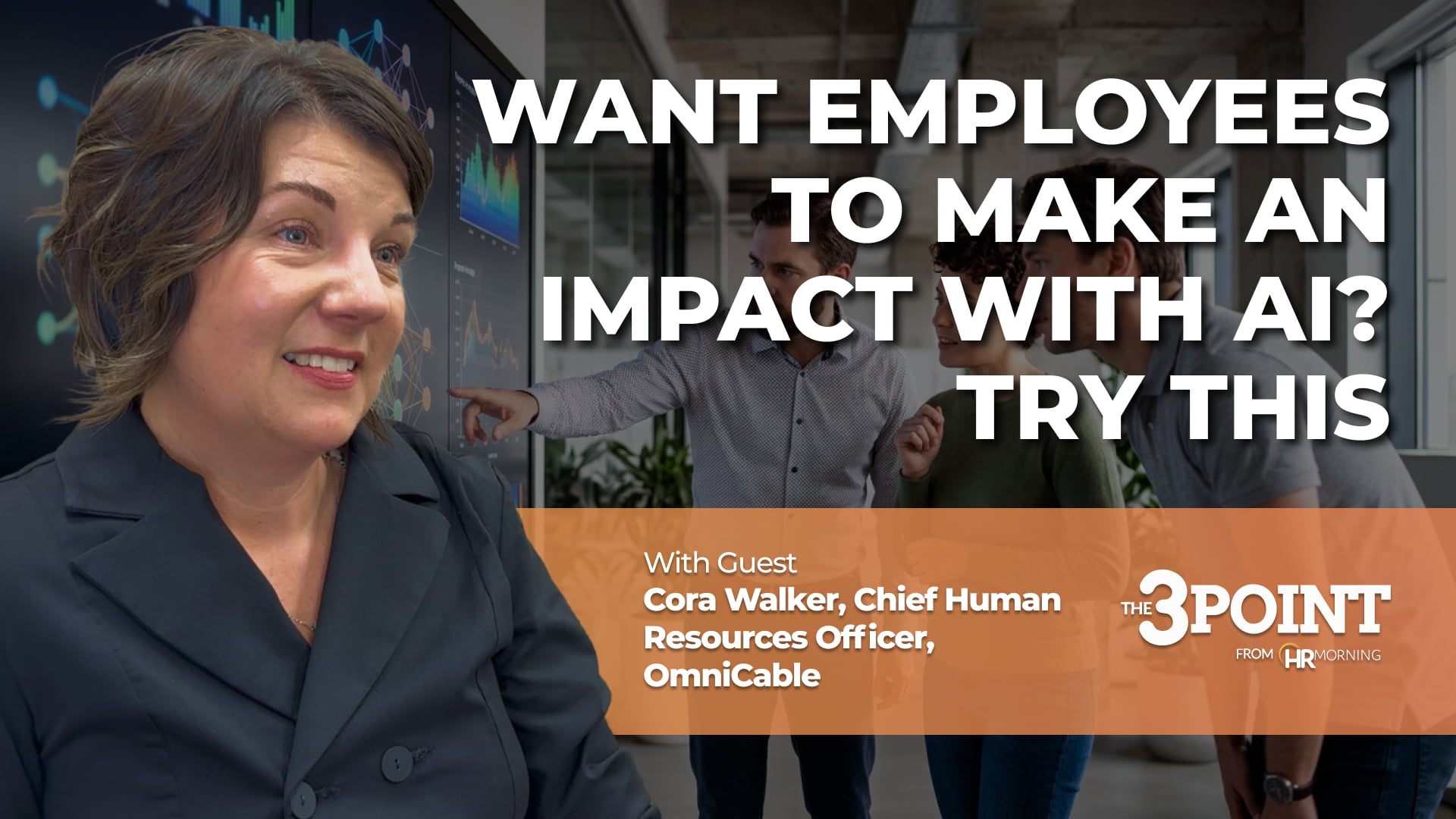
A promotional video thumbnail for HRMorning's "The 3 Point" series. Large white text asks, "WANT EMPLOYEES TO MAKE AN IMPACT WITH AI? TRY THIS." The graphic prominently features the guest, Cora Walker, Chief Human Resources Officer at OmniCable, anchored by an orange informational banner. Behind the text is a softly blurred office environment where a team of three employees collaborates in front of a digital display showing data networks, visually representing the integration and impact of artificial intelligence in daily workforce operations.

In today’s workplace, AI use is becoming the norm, not the exception.

In fact, nearly half of employees use artificial intelligence, and that number has continued to rise every quarter for the last two years, according to a Gallup poll. Nearly 40% of employees say their organization has integrated the technology to improve productivity, efficiency and quality.

But just because employees are using AI doesn’t mean they’re making an impact with it.

What’s Up in This Episode: Make an Impact with AI

We know an organization and its HR leader that took a calculated approach to adopting AI, and it’s making an impact. In this episode of HRMorning’s 3-Point, Cora Walker, the Chief Human Resources Officer at OmniCable, explains how they rolled out the technology and what they did to get employees to adopt it. The best part: She makes it clear how other organizations can use their strategy to do the same.

Click, watch and listen for more details on getting employees to adopt, embrace and make an impact with AI.

Transcript (edited for clarity):

Everyone thinks AI is going to make us all faster and smarter at work. But, really, does it happen like that? Well, in this episode of the 3-Point, we talk with an HR pro who had a team that took a calculated approach to adding AI to their workflow. It made an impact because they started with a very specific plan that would entice employees to try the tool.

Cora Walker, Chief Human Resources Officer, OmniCable: “You do it by relieving a burden from them. You create time and space to think and be creative by automating something that takes a huge amount of their time.”

In this case, it was a sales team, and they were spending a lot of time on quotes for customers. Certainly, a good use of time, but not the best.

Walker: “We said, ‘If we gave you a tool that went through your email and pulled out a request for a quote, would you use it?’ ‘Are you going to make me?’ ‘Yep. We’re going to make you use it.’ ‘Are you going to pay me to use it?’ ‘Absolutely. It’s still your quote. You still have to check it for accuracy. You still have to …’ ‘Well, if you’re going to pay me, then, heck yeah, give me something that’s going to make my life easier. That would be great.’ The tradeoff is for every hour that you don’t spend quoting, we need you training on this new product or spending time on this ERP project.”

There you have it. Tit for tat. In more than one way. From there, word traveled fast. They liked it. They learned and developed in the time they saved. And more people wanted in on this crafty time-saving tool.

Walker: “So we’ve done a few small pilots that way. It does seem to work for our culture, meaning you expose a small group. If the small group says, ‘OK, this is good, give us a little more, give us a little more,’ then they start to talk about how great it is. And what we’ve learned is, employees like to learn from each other before they like to hear from us.”

So to implement the technology with impact:

  • Relieve a burden. Don’t just tell employees to use the technology. Explain what it’ll take off their backs – and what they can better spend their time doing.
  • Reward them. Whether it’s time to do the things they find valuable or time to make more money.
  • Start small. Pilot your programs to ensure they’ll have the impact you want.

For more on the latest in technology in the workplace, team-building or any pressing HR topic, check out the webinar page on HRMorning. You’ll be delighted to know that just about every one of them is free, often on demand and always relevant to you. Thanks for joining me on this episode.

Filed under
  • HR Technology
  • Share on

Get the HRMorning Newsletter

With HRMorning arriving in your inbox, you will never miss critical stories on labor laws, benefits, retention and onboarding strategies.

  • This field is for validation purposes and should be left unchanged.
  • This field is hidden when viewing the form
  • This field is hidden when viewing the form
  • This field is hidden when viewing the form
  • This field is hidden when viewing the form
  • This field is hidden when viewing the form
  • This field is hidden when viewing the form
  • This field is hidden when viewing the form
  • This field is hidden when viewing the form
  • This field is hidden when viewing the form
  • This field is hidden when viewing the form
  • This field is hidden when viewing the form
  • This field is hidden when viewing the form
  • This field is hidden when viewing the form
  • This field is hidden when viewing the form
  • This field is hidden when viewing the form
  • This field is hidden when viewing the form
  • This field is hidden when viewing the form
  • This field is hidden when viewing the form
  • This field is hidden when viewing the form
  • This field is hidden when viewing the form
  • This field is hidden when viewing the form
  • This field is hidden when viewing the form
  • This field is hidden when viewing the form
  • This field is hidden when viewing the form
  • This field is hidden when viewing the form
  • This field is hidden when viewing the form
  • This field is hidden when viewing the form
  • This field is hidden when viewing the form
  • This field is hidden when viewing the form
  • This field is hidden when viewing the form
  • This field is hidden when viewing the form
  • This field is hidden when viewing the form
  • This field is hidden when viewing the form
  • This field is hidden when viewing the form
  • This field is hidden when viewing the form
  • This field is hidden when viewing the form
  • This field is hidden when viewing the form
  • This field is hidden when viewing the form
  • This field is hidden when viewing the form
  • This field is hidden when viewing the form
  • This field is hidden when viewing the form
  • This field is hidden when viewing the form
  • This field is hidden when viewing the form
  • This field is hidden when viewing the form
  • This field is hidden when viewing the form
  • This field is hidden when viewing the form
  • This field is hidden when viewing the form
  • This field is hidden when viewing the form
  • This field is hidden when viewing the form
  • This field is hidden when viewing the form
  • This field is hidden when viewing the form
  • This field is hidden when viewing the form
  • This field is hidden when viewing the form
  • This field is hidden when viewing the form
  • This field is hidden when viewing the form
  • This field is hidden when viewing the form

Free Training & Resources

Webinars

Remote Recruiting, Interviewing, Hiring, and Onboarding During COVID-19

White Papers

State of Women’s and Family Health Benefits 2026

Provided by Maven Clinic

White Papers

Gallagher Better Works Insights Issue #3

Provided by Gallagher

Webinars

HR Strategy and Tactics for an Uncertain Future

SPONSORED CONTENT

HR Technology

sponsored content
The Best AI Software for HR Automation

Courtesy of G-P

Talent Management

sponsored content
Powerful Employee Retention Strategies for 2025: How to Keep Your Best People

Courtesy of PEOPLEGURU

Benefits

Health Care

Wellness

sponsored content
Proven Results: 5 Ways Teladoc Health Chronic Condition Management Transforms HR Outcomes

Courtesy of TELADOC HEALTH

Further Reading

  • HR Technology
AI Integration’s a Top Tech Challenge for HR Right Now

Many of your peers in HR — and their tech teams — are still trying to get a handle on where they should jump on the bandwagon w...

  • HR Technology
New HR Paradigm for the Age of AI-Driven Business

Once considered a primarily administrative function, HR has changed dramatically — and it might be time for a new HR paradigm Orga...

  • HR Technology
  • Talent Management
LMS Software for HR: How Learning Management Systems Improve Training

A harassment complaint lands on your desk, and your HR instinct goes straight to one question: Has this employee completed the required tra...

  • HR Technology
Are Your Systems Sabotaging Employee Training & Growth?

Even the most well-intentioned employee training programs can fail if underlying systems and metrics don’t support the desired outcom...

  • HR Technology
5 ways LMS software makes HR pros’ jobs easier 

HR pros find that learning management systems (LMS) software helps them develop their employees. And while LMS software comes with many ben...

  • HR Technology
Who Owns It When Your AI Hiring Tool Gets Sued? 4 Critical Points to Accountability

A few recent court cases raise a question that almost nobody inside companies using AI hiring tools has asked before the filings arrived. W...

Get the latest from HRMorning in your inbox PLUS immediately access 10 FREE HR guides.

I WANT MY FREE GUIDES
HR Morning Logo
  • Facebook
  • Linked In
  • ABOUT HRMORNING
  • ADVERTISE WITH US
  • WRITE FOR US
  • CONTACT
  • Employment Law
  • Benefits
  • Recruiting
  • Talent Management
  • Performance Management
  • HR Technology
  • Leadership & Strategy
  • Compensation
  • Policy & Procedures
  • Wellness
  • Staff Departure
  • HR Career & Self-Care
  • Health Care
  • Retirement Plans
  • DEI

HRMorning, part of the Rover Insights Network, provides the latest HR and employment law news for HR professionals in the trenches of small-to-medium-sized businesses. Rather than simply regurgitating the day's headlines, HRMorning delivers actionable insights, helping HR execs understand what HR trends mean to their business.

Powered By Rover Insights
Privacy Policy | Terms of Service
Copyright© 2026 Rover Insights
HRMorning Logo

WELCOME BACK!

Enter your username and password below to log in

Forget Your Username or Password?

Reset Password

Lost your password? Please enter your username or email address. You will receive a link to create a new password via email.

Log In

Why do we need your credit card for a free trial?

We ask for your credit card to allow your subscription to continue should you decide to keep your membership beyond the free trial period.  This prevents any interruption of content access.

Your card will not be charged at any point during your 21 day free trial
and you may cancel at any time during your free trial.

During your free trial, you can cancel at any time with a single click on your “Account” page.  It’s that easy.
