
 Tuesday, June 16th, 2026 |
  Choose your preferred time
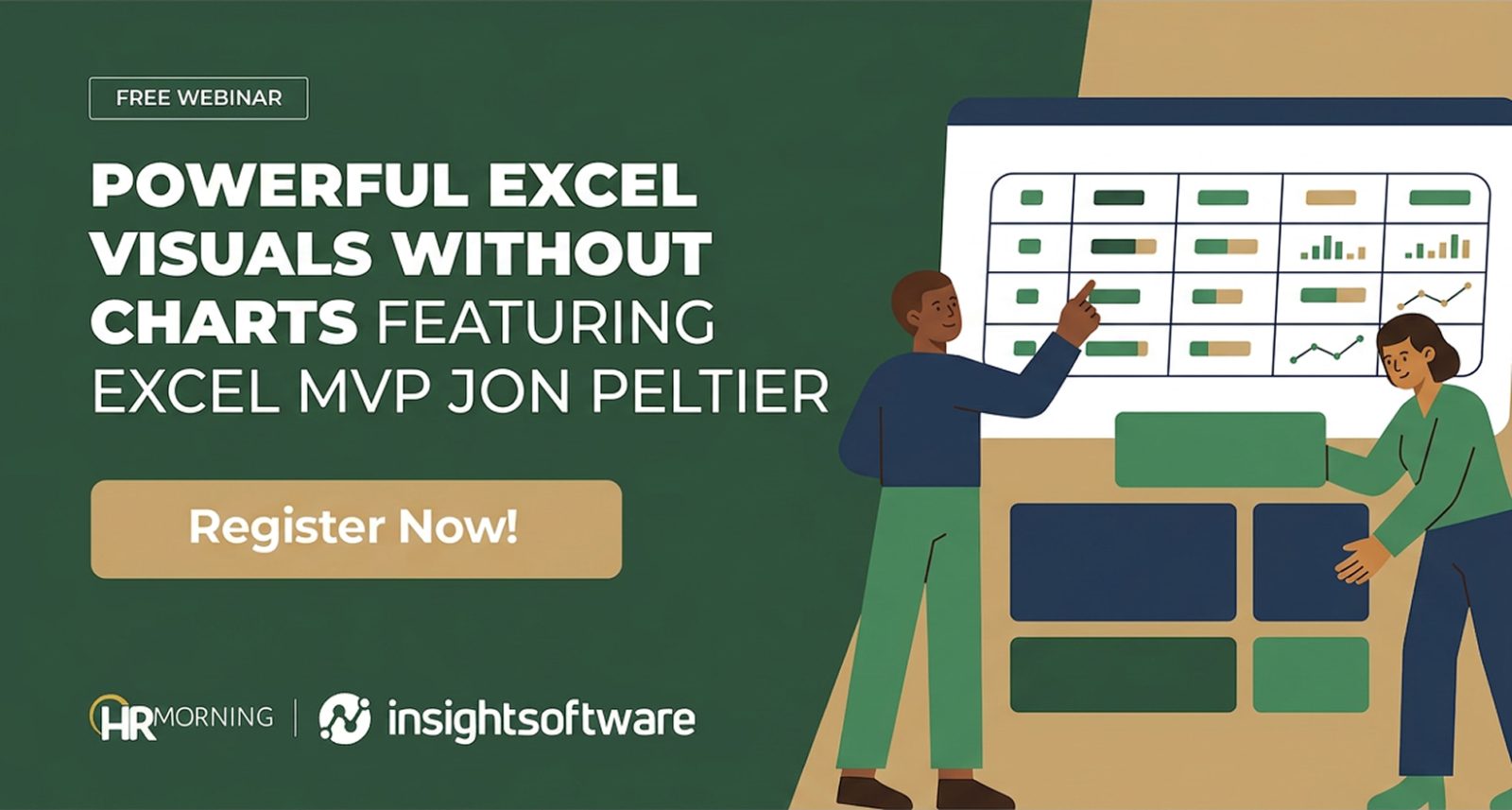
Powerful Excel Visuals Without Charts
Featuring Excel MVP Jon Peltier
The Tools You Need Are Already in Excel. You Just Haven’t Met Them Yet.
If your reporting workflow involves inserting a chart, repositioning it, reformatting it, and then repeating the whole process every time the data changes, there is a better way.
Excel has a powerful set of built-in techniques that can turn a dense table of numbers into a clear, insight-driven report without a single chart object. Faster to build. Easier to maintain. And already waiting inside the software you use every day.
In this session, Excel MVP Jon Peltier walks you through exactly how to use them.
What You Will Learn:
- How Conditional Formatting goes far beyond basic color highlights, using Data Bars, Color Scales, Icon Sets, and formula-driven rules to build rich, data-driven visuals directly inside your cells
- How Sparklines let you embed compact line, column, and win/loss visuals inside a single cell for quick at-a-glance trend analysis without disrupting your table layout
- How Data Bars can visualize both positive and negative values, making them ideal for variance analysis, with a clean “show bar only” option that eliminates overlap with numbers
- How the REPT function lets you build bar charts, pictograms, dot plots, and lollipop charts using nothing but a formula, the right font, and a staging area to control scaling
- How custom number formats and formula-driven IF/IFS statements let you add any character or emoji as a conditional indicator, going well beyond what Excel’s native icon sets offer
- How teams extend these same Excel skills to automate and scale reporting, reducing manual effort while staying in the environment they already know
Why This Matters Now
Most Excel users are leaving significant capability on the table. They reach for a chart object out of habit, not because it is the best tool for the job. Charts are cumbersome in reports. They are hard to position, tedious to maintain, and frustrating to update every time the data or layout changes.
Meanwhile, the techniques Jon covers in this session are already built into Excel, require no add-ins or special permissions, and produce visuals that live inside your data where they belong. Once you know how to use them, you will wonder why you ever built it any other way.
*Attendees will receive a ready-to-use Excel workbook to practice each technique and apply it immediately in their own reports.
Your Presenter

Jon Peltier, Microsoft Excel MVP & Founder, Peltier Technical Services, is one of the world’s foremost authorities on Excel data visualization. A full-time Excel developer since 2004, Jon holds a Doctor of Science degree from MIT and brings a background spanning manufacturing, statistics, total quality, and Six Sigma. He has received Microsoft’s Most Valuable Professional award every year since 2001 and is known for turning complex problems into elegant, practical solutions.
Who Should Attend
- HR and people operations leaders who build reports and dashboards in Excel on a regular basis
- HR analysts and compensation analysts looking for faster, more flexible ways to communicate workforce data without the overhead of chart objects
- Business users who want to make their spreadsheets easier to scan and more compelling for stakeholders
- Anyone who relies on Excel daily and is ready to move beyond the basics of conditional formatting and charts
- Excel learners who want hands-on, applicable skills they can put to use immediately
REGISTER FOR THIS FREE WEBINAR NOW
Can’t attend the webinar live? Sign up anyway and we’ll send you the recording when the event is over.
You can withdraw your consent at any time by clicking “Unsubscribe” in our emails or contacting us at support@hrmorning.com. For more information on how we handle your data, please read our Privacy Policy.