7 Embarrassing WFH Stories — and How To Avoid Being The Next Idiot

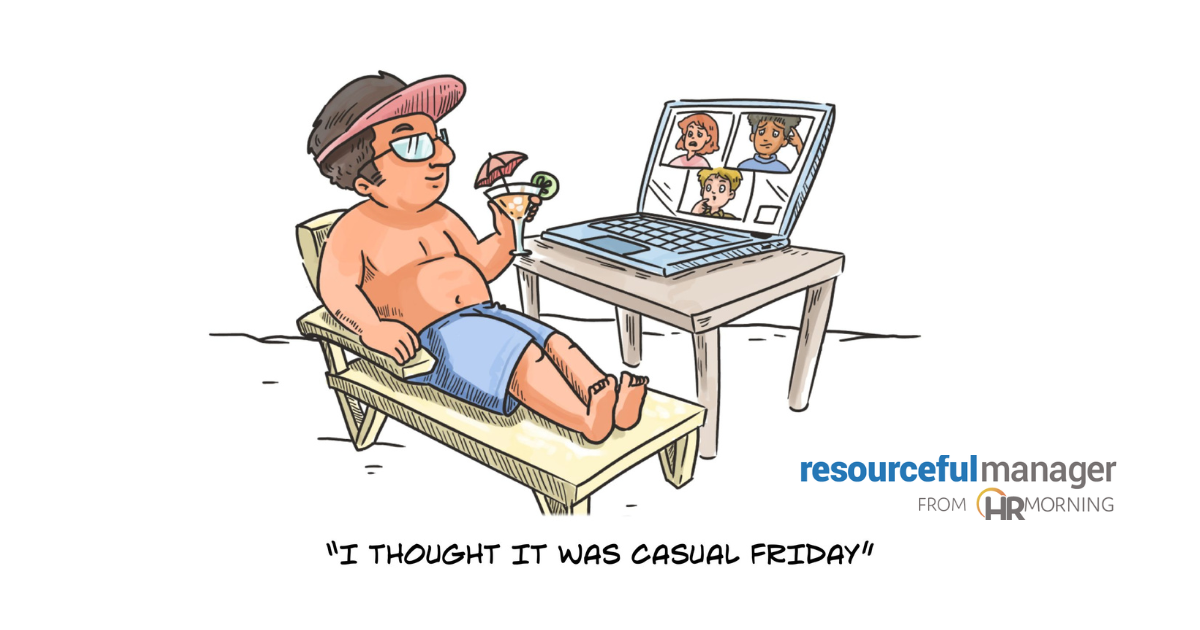
Nearly everyone wants to work from home (WFH). But no one wants to look like an idiot doing it.
Still, there continue to be embarrassing WFH stories — with colleagues, bosses and clients witnessing the best of the worst behaviors.
This is for certain: Embarrassing WFH stories are worth a little laugh — and a big lesson in what to avoid.
And the laughs and lessons aren’t likely to slow any time soon. Of the remote-capable jobs across the U.S., 26% of the employees are fully remote and 52% are hybrid, according to Gallup data.
Roles in Embarrassing WFH Stories
Even better, nearly anyone can play a part in a WFH disaster: On a Zoom call, there’s always an audience that can be a witness or part of the plot.
Some of the most embarrassing WFH stories uncovered in one survey roundup were purely accidental. Others uncovered on Reddit were the result of a player not knowing — or, perhaps knowing but not following — virtual etiquette rules.
Regardless of the players or witnesses, each of these tales carries a lesson all of us can use to make sure we aren’t the next idiot going viral.
No. 1: Naked, Smoking, Drinking!
Issue: Accidentally turning on a camera.
What went wrong: Benjamin P., from Seattle, was on a call with a vendor: “He was doing a software demo for us He accidentally turned his camera on, and he was shirtless, smoking a cigar, and had a giant glass of whiskey on his desk.“
Don’t make this embarrassing mistake: Camera on or off, you want to dress, speak and act as professionally as you would if you were meeting in person.
No. 2: Potty Break
Issue: Taking a live camera to the bathroom.
What went wrong: Reddit user Disjointed Chameleon was hosting a Zoom meeting for more than 30 people: “One of my male older colleagues gets up from his home office desk, which is in his basement … He trudges up his stairs, and putzes around his kitchen a bit — washes some dishes, makes himself a sandwich. He’s quiet enough, so whatever, no big deal. Then I see him climb some steps. I see tile flooring. I see a large mirror. I see two vanity sinks. No. Oh god. No.“
I interrupt the call and try to tell him we can all see/hear him. Apparently, he can’t hear us. I desperately try and fumble for the ‘remove participants’ button. It’s been disabled. No. Please. No. I furiously try and mash the ‘mute all’ button.The button decides TODAY is the perfect day to stage a rebellion. Zip. And just like that, we all got to see (and hear) him do his business.”
Don’t make this embarrassing mistake: If you were in an in-person meeting and started to feel unwell, you would excuse yourself from the meeting to care for yourself, right? The same goes for virtual meetings — take care of yourself without others around.
No. 3: Sharing an Unshareable
Issue: Sharing something that shouldn’t be on a work device and shouldn’t be shared.
What went wrong: Lauren W., a marketing manager in Denver, was working together, but physically separate, with a team member: “A colleague and I were supposed to be presenting to a prospective client. When my colleague shared his screen to show some work examples, he had a background tab opened to, let’s just say an ‘adult’ website. I was mortified.” (Note: Lauren reported the team member was a freelancer, and HR terminated the contract with him immediately.)
Don’t make this embarrassing mistake: For one, (and we’re confident you know this) never, ever use company equipment for personal business. Secondly, close screens and tabs you won’t need for online meetings before they start.
No. 4: Hot Cheeks
Issue: An unexpected — albeit innocently cute — visitor jumped into a live screen.
What went wrong: Dave N. was working from home while his young son was also home for the day: “I was on a call with a bunch of clients, and my stark naked son walked into my office and asked me to ‘fix his butt.‘”
Don’t make this embarrassing mistake: Working from home can be difficult and awkward when others are also home. Young children who are schooling or just home for the day sometimes add an extra difficult element. Ideally, try to physically separate space so you don’t interfere with each other (without putting anyone in danger, of course). Or use a sign — perhaps as simple as a Stop sign that hangs near your workspace — to indicate it’s not OK to be nearby.
No. 5: Brawling Sisters
Issue: Arguing, then punching, on a Zoom call.
What went wrong: Bryan C. was on a work call with siblings who also worked at his company: “One of the sisters was presenting her weekly forecast to her manager, with other higher-ups present on the call. Just as she was deep into her presentation, her twin — also her roommate — entered the frame, livid about her clothes being worn without permission. What began as a verbal disagreement escalated quickly into a physical altercation, with both sisters brawling while the Zoom call was still live.” (Note: Bryan reported that the company investigated the incident and ended up letting go of both sisters.)
Don’t make this embarrassing mistake: For one, don’t take your sister’s clothes without permission! But really, this makes another case for finding a way to separate your workspace from the rest of the household and being able to shut out others during calls.
No. 6: Talking Trash
Issue: Talking badly about colleagues.
What went wrong: Ben P. from Austin, TX, heard more than his colleague wanted him to: “One time on a Zoom call, one of the women on the call forgot to go on mute and was caught talking s*** about other people on the call. Oops!” (Ben noted that besides the general embarrassment, the colleague was punished and had to attend sensitivity training.)
Don’t make this embarrassing mistake: First off, don’t talk badly about colleagues to other colleagues. Secondly, keep your microphone on mute when you aren’t talking. That helps to eliminate distracting noises in general — and prevents colleagues from hearing things around you that you don’t want to be heard.
No. 7: Asking for Too Much Information
Issue: Boss too nosy.
What went wrong: On a Brightside post, one employee explained that she’d been working from home for two years when this happened: “A few days before a big meeting, I asked to keep my camera off. Personal reasons. My boss replied, ‘Working from home doesn’t mean working from your pillow.’ Fine.”
Meeting day came. I logged in and waved hello. The room went dead silent. Behind me was a hospital monitor, beeping softly. I was in a hospital bed, IV lines clearly visible. No explanation. The client froze. My boss laughed awkwardly and told me I could turn my camera off after all. After the call, he said I was ‘unprofessional’ and had embarrassed him. I reminded him I’d asked to keep my camera off. I just followed the rules.”
Don’t make this embarrassing mistake: The lesson is for the boss and the employee. Be transparent before you’re too transparent. Bosses need to explain why it’s important for employees to be on camera — when it’s totally necessary. And employees need to explain their circumstances if it affects the quality of meetings.

- Share on


Free Training & Resources
White Papers
Provided by Terryberry




